
MDR

Solutions
Partners
About
Resources







Your users report a suspicious email in one click. A dedicated security team investigates it, removes the threat, and tells you what happened.
Talk to our team




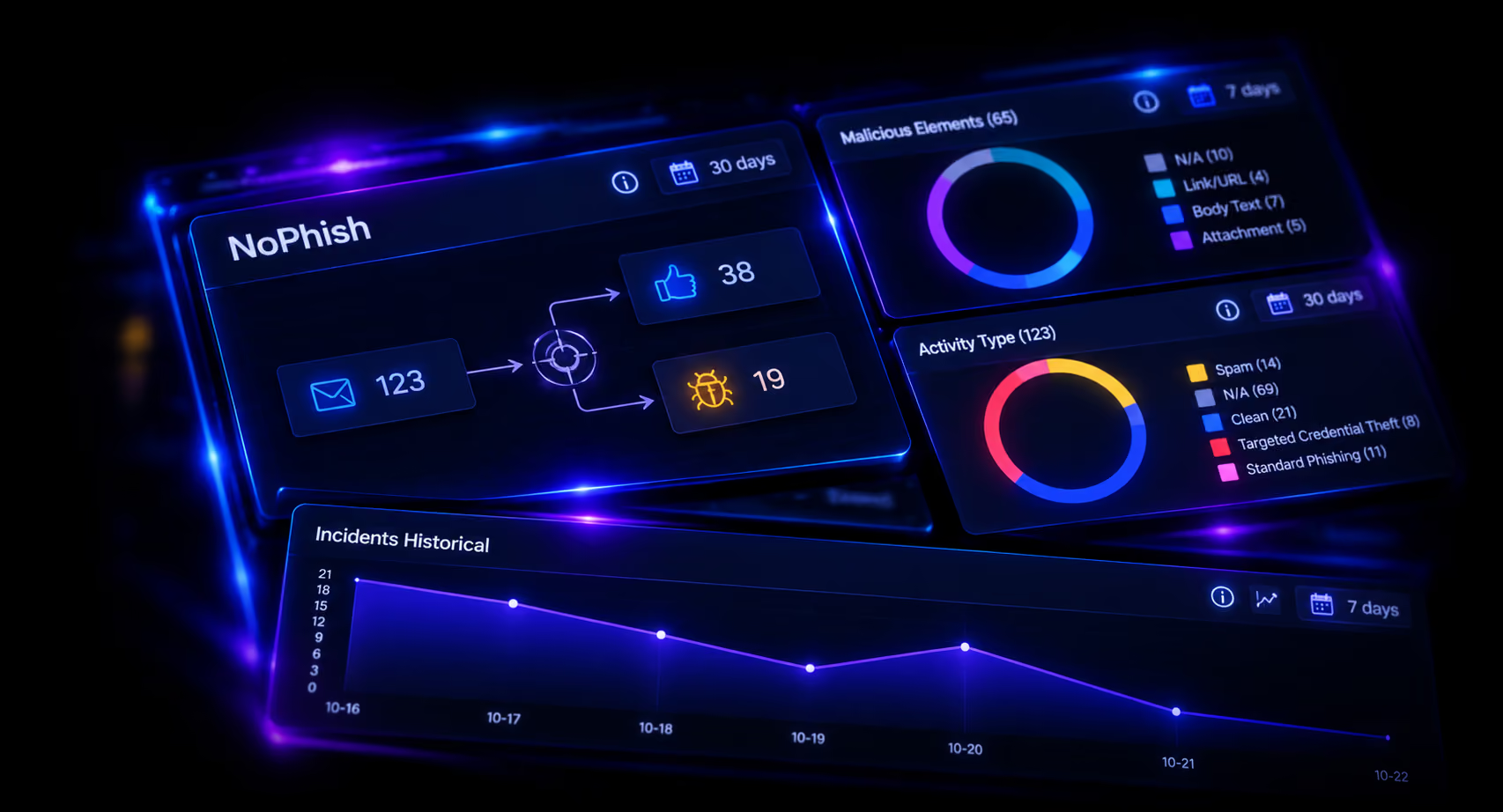
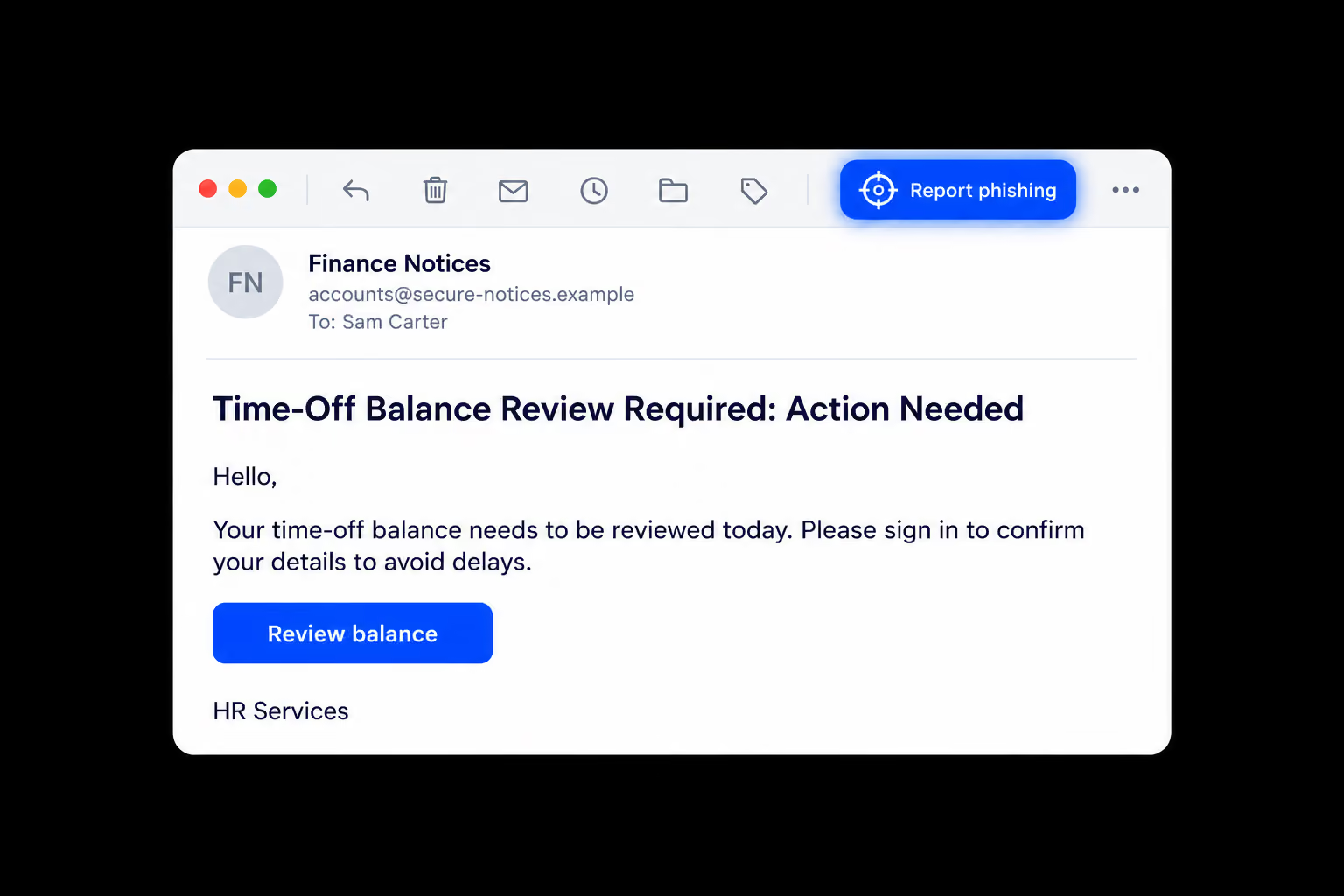
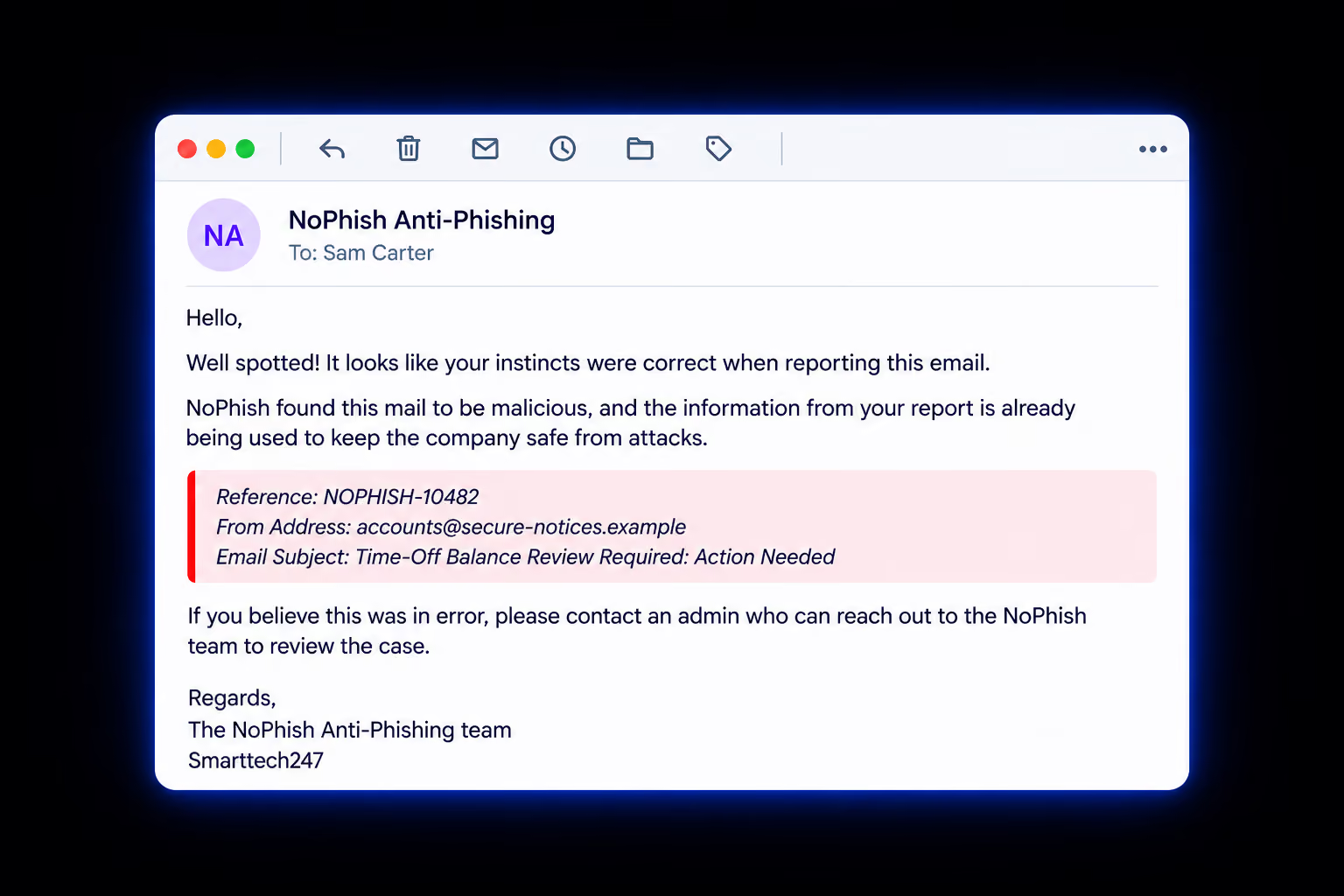












They click the NoPhish button in their email client, in Outlook or Google Mail. The report goes straight to our SOC team.
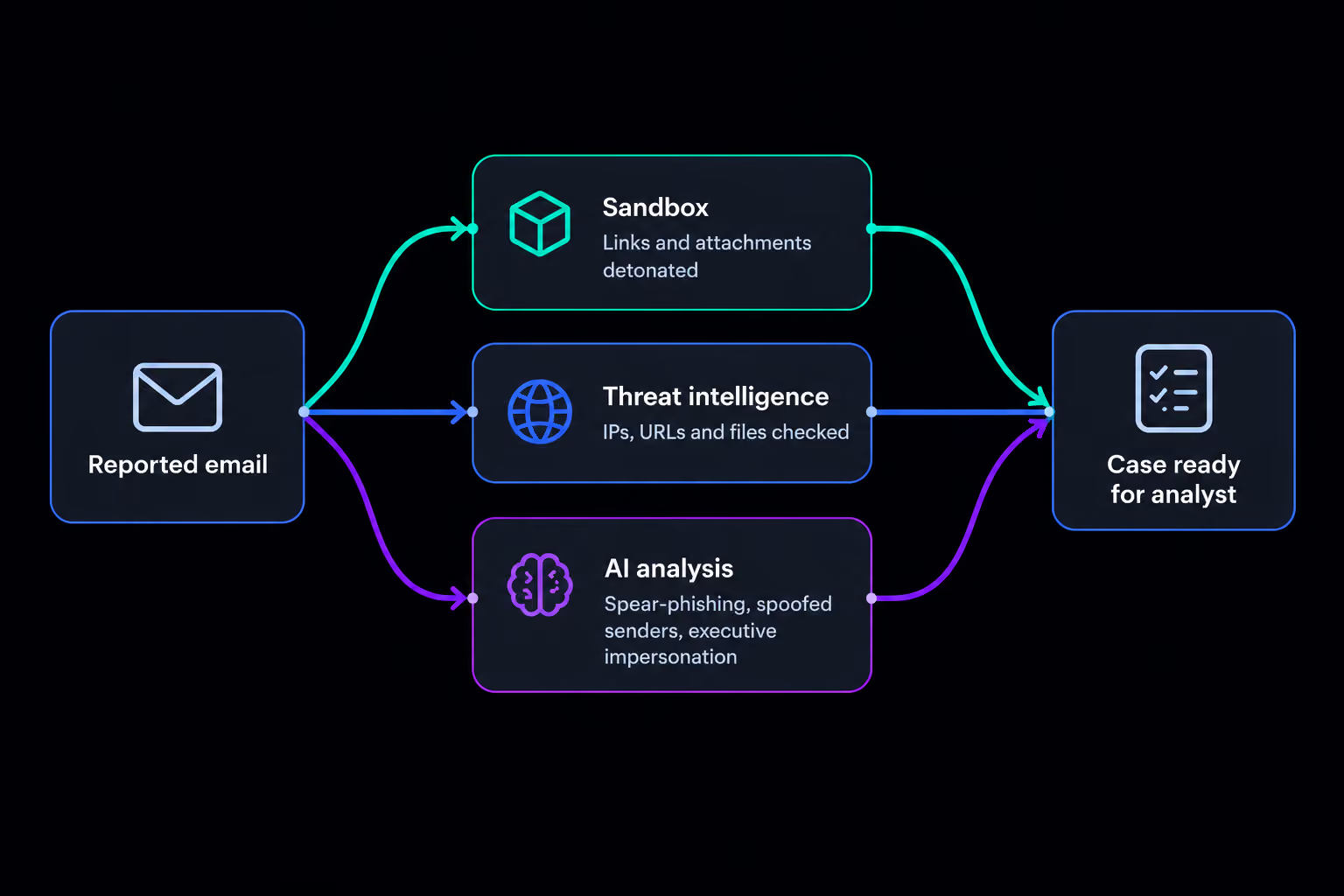
The email is quarantined straight away. Links and attachments are detonated in a sandbox and checked against threat intelligence. AI then checks for spear-phishing indicators, spoofed senders and executive impersonation, and an analyst takes over the case.
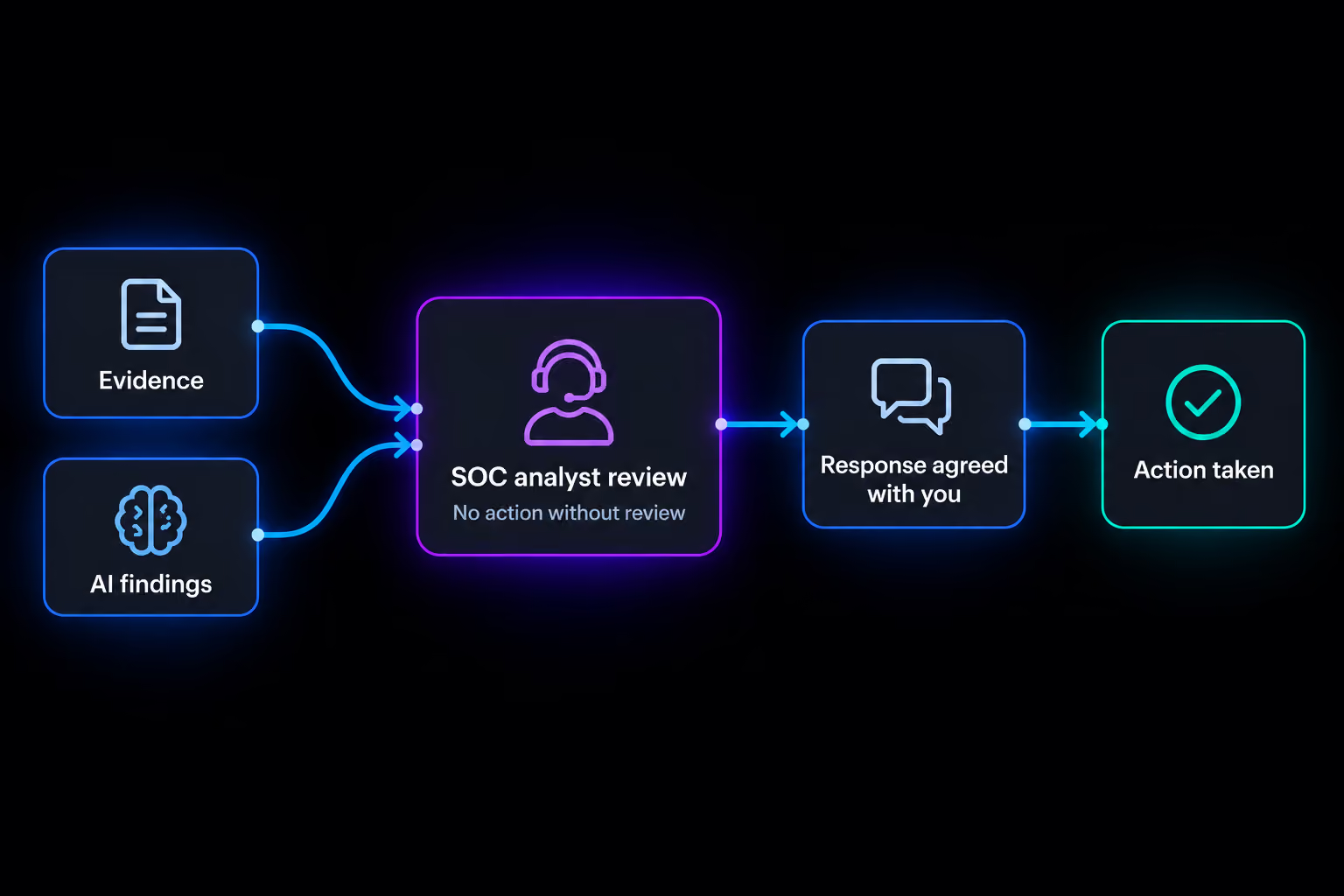
Yes. A Smarttech247 SOC analyst reviews every case and agrees the response with you before the threat is removed from other mailboxes.
No. NoPhish is a standalone managed service and works alongside your current stack. Filters can miss targeted emails, so NoPhish adds a layer that catches what your users spot.
A detailed incident report showing what we found, what we did and when it was resolved. The user who reported the email also gets a confirmation.
